Capture
Grab an area or your screen. Open an image, paste from the clipboard, or drop a file into the editor.
Glance Desktop · Free & open source
Capture the detail. Mark what matters. Share the context.
A native screenshot editor for macOS and Omarchy.
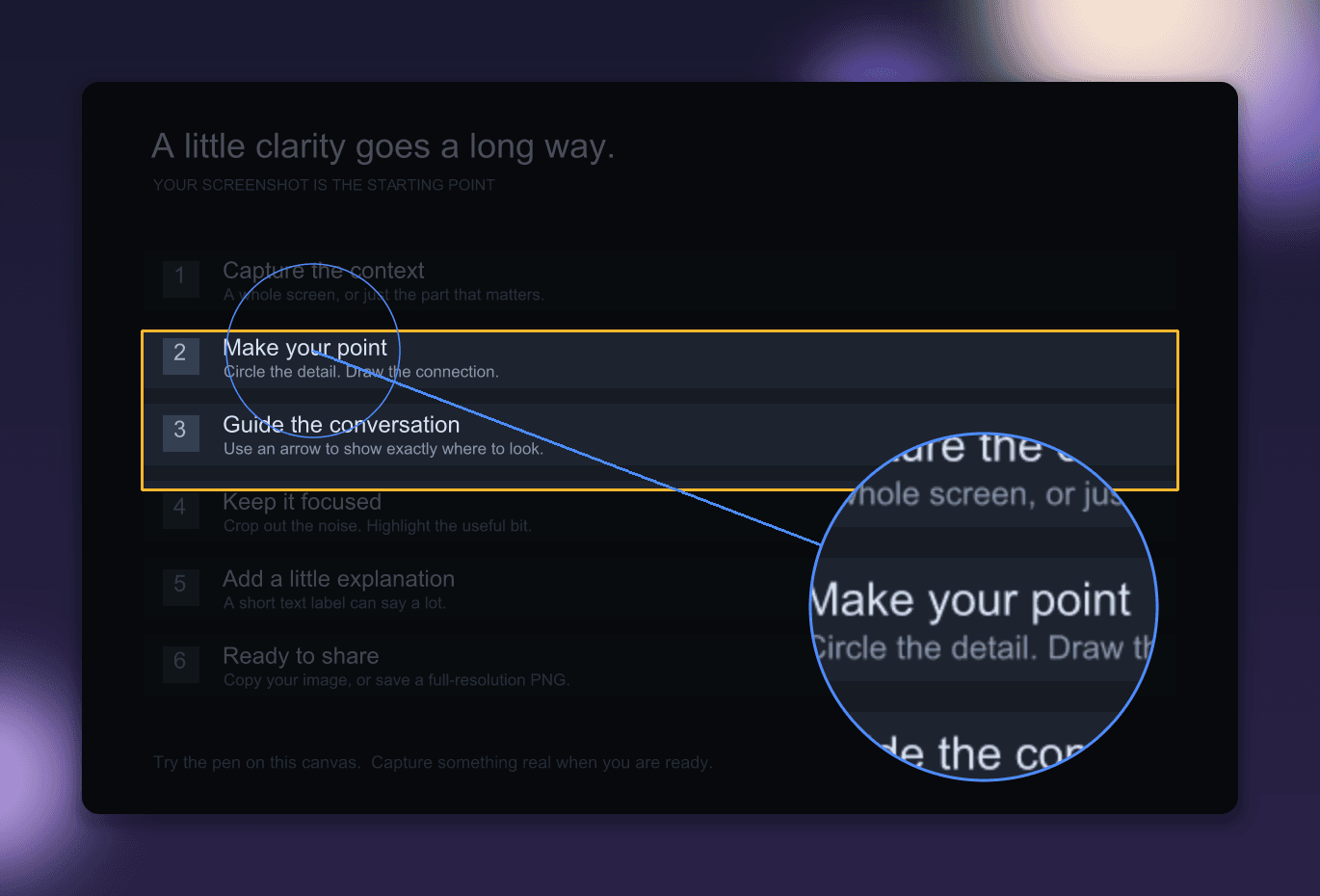
From screenshot to shared context
Grab an area or your screen. Open an image, paste from the clipboard, or drop a file into the editor.
Add arrows, text, highlights, and numbered steps. Spotlight what matters or magnify a small detail. Move, restyle, and undo.
Copy an image, save a PNG, or explicitly share a temporary glance.sh link your coding agent can fetch.
Give it a finished frame
Padding, rounded corners, shadows, and solid or gradient backgrounds. Eight animated backdrops export as looping GIFs or MP4s.

Release 0.5.0
Apple Silicon · macOS 12+
Download for macOSUnzip, move Glance.app to Applications, and open it. Grant Screen Recording permission for capture, then quit and relaunch.
This early release is ad-hoc signed and isn’t notarized. macOS may block opening it. Intel builds aren’t available.
macOS setup guide ↗x86_64 · Arch Linux · Hyprland / Wayland
Download Arch packageInstall the package with pacman. Capture, clipboard, dialogs, and FFmpeg dependencies are included; a working Vulkan driver is required.
sudo pacman -U ./glance-desktop-*.pkg.tar.zstTargets Omarchy’s Hyprland desktop. Other Linux desktops aren’t validated. Animated backdrops render on the CPU.
Omarchy setup & capture shortcuts ↗Linux x86_64 archiveRelease notes & SHA-256 checksumsBuild from source
Capture, editing, and file export work offline. Uploading to glance.sh is optional and happens only when you choose to share a link. Shared links usually expire after about 30 minutes.
Want an agent to work directly with the editor? The opt-in local MCP companion can read and edit the native canvas.
Glance edits one image at a time. Save or copy before replacing an image or quitting; editable sessions aren’t persisted. Desktop OCR, scrolling capture, and automatic updates aren’t available yet.
MIT licensed. Report a bug, read the usage guide, or use Glance in your browser.